 AllTheMuse
October 21, 2026
Muse Avatar Wallpaper: Put a Muse You Own on Your Screen
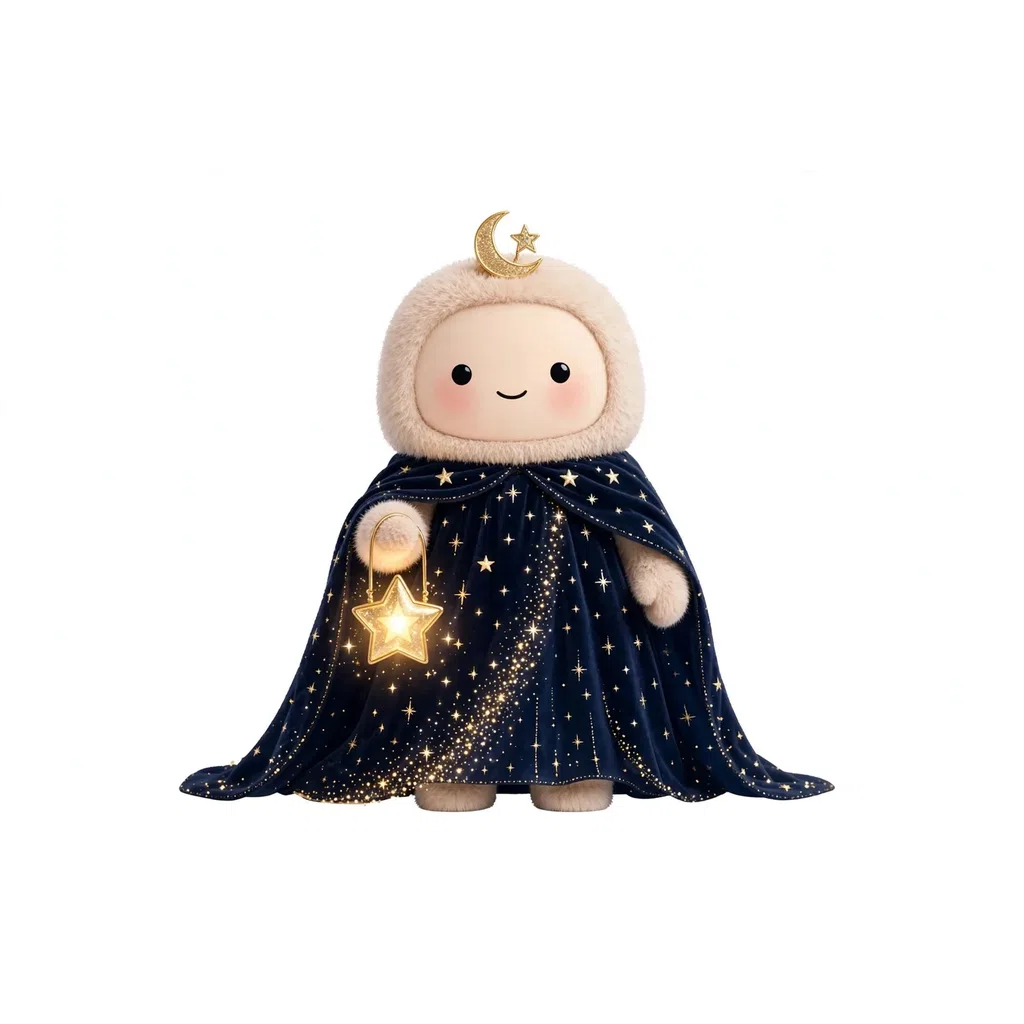
A Muse avatar wallpaper starts with a Muse that is actually yours. That is the honest rule behind this guide, and it is a simple one: anyone can browse the artwork on AllTheMuse, but the full-resolution download — the file you want for a lock screen or a desktop — comes with ownership. Collect a Muse free or unlock it once, tap “Download image” on its page, and the artwork is yours to set as wallpaper. This guide walks the download in order, shows how to set the file on a phone and on a computer, and picks Muses whose art holds up big on a screen. New here? Start with what is a Muse avatar, then come back.
The One Rule: Wallpaper Starts With a Muse You Own
Open any Muse's page and you can see its artwork — browsing is open to everyone. The download is different. On a Muse you own, the page shows a “Download image” button for the full-resolution artwork. On a Muse you have not collected yet, that same download is listed in the unlock panel as part of what an unlock includes, alongside the full prompt pack and the conversation style. In other words, the wallpaper file is not sold separately and it is not a screenshot of a preview: it is one of the things ownership gives you.
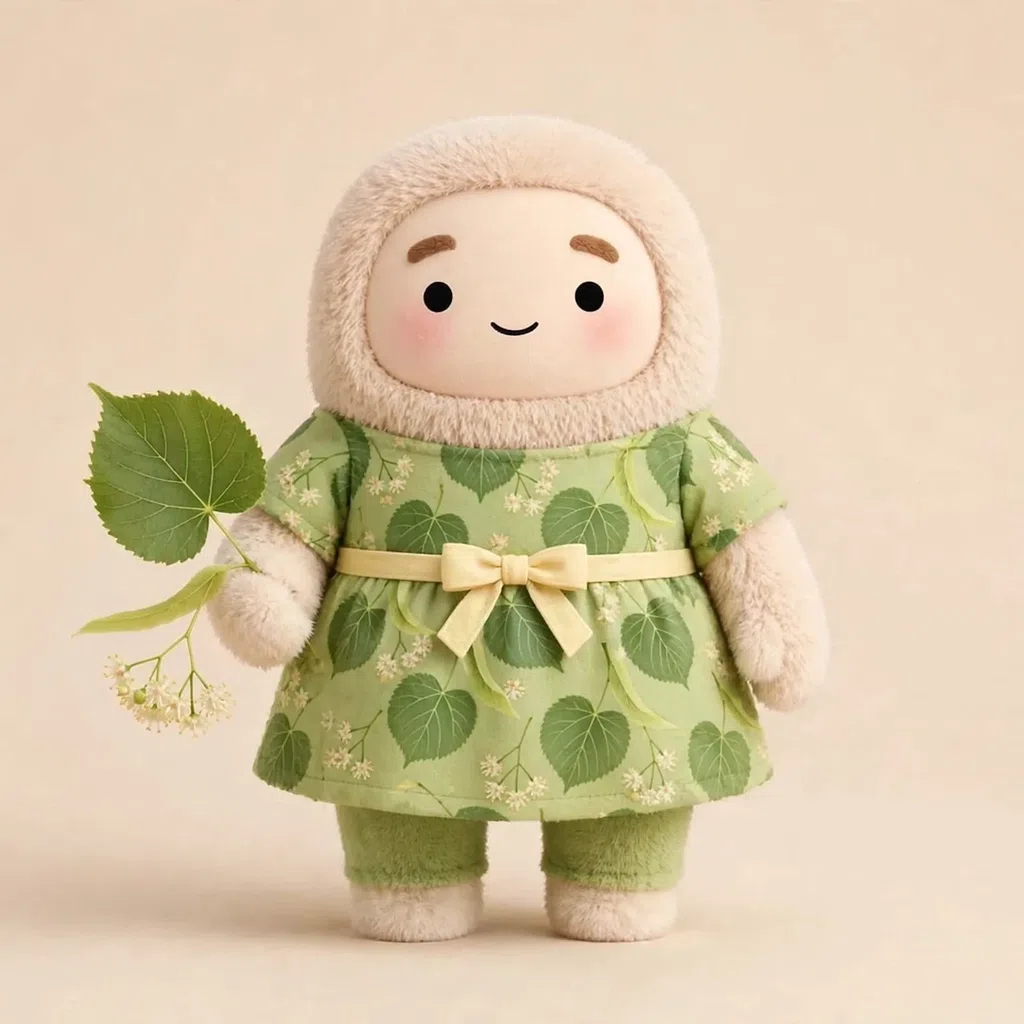
That rule has a free side. The Free Muses room holds 269 Muses priced at 0 coins, free to collect outright, and a collected free Muse carries the same “Download image” button as a premium one. Linden Winifred and Cinder Sabine, both free Commons, can be on your lock screen today without spending a single coin. If you want the longer walkthrough of the download itself, our Muse avatar download guide covers it on its own.

How to Download Your Muse Avatar Wallpaper, Step by Step
Start from the Muse itself, not from a picture you saw somewhere else — the download lives on the Muse's own page, tied to your account. You can reach that page from the gallery, from its collection room, from the muse avatars hub, or from your Vault once the Muse is yours.
- Sign in, or create a free account — a new account starts with 150 Muse Coins at signup
- Open the Muse you want from the gallery, its collection, or your Vault
- Collect it free, or unlock it once with Muse Coins if it is a premium Muse
- On its page, tap “Download image” and save the full-resolution file to your device
- Set that saved file as your wallpaper using the steps in the next section


New Muses every week
One email a week with the newest Muses — plus first word on restocks and drops. Join the list and 25 bonus Muse Coins are waiting for you at signup.
How to Set It as Wallpaper on Your Phone or Computer
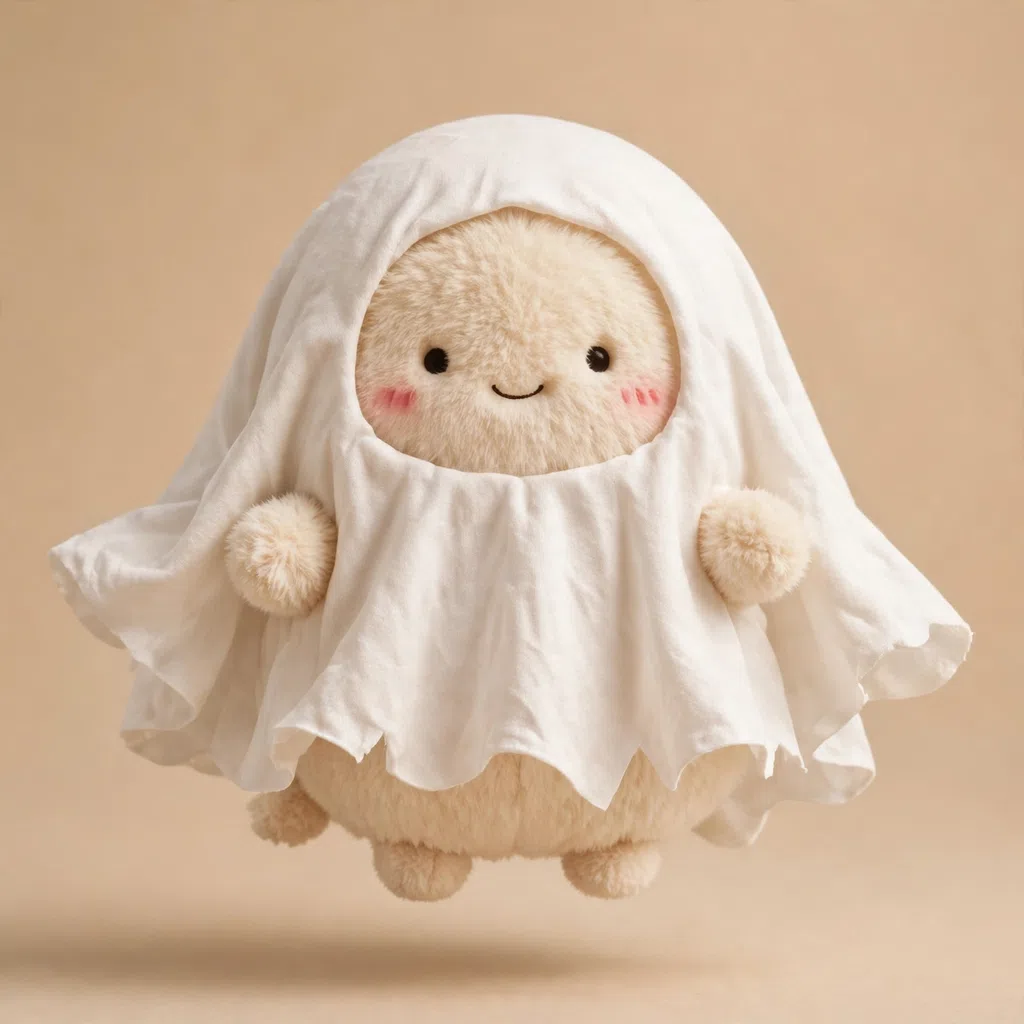
Muse artwork is square, and screens are not — so expect your phone or computer to let you position the picture before you confirm. Pinch or drag to center the character's face, keep the character clear of the clock on a lock screen, and preview before you save. A bold, single-character Muse reads best this way: Hot Cocoa, the Cozy Fall Mythic at 200 Muse Coins, fills a fall lock screen, and Ghostly Boo, the Spooky Season Mythic at 200, is made for an October one.
On iPhone, save the download to Photos, open it, tap the Share button, and choose “Use as Wallpaper” — then position the Muse and decide whether it goes on the lock screen, the home screen, or both. On Android, open the saved file in your gallery app and look for “Set as wallpaper” (the wording varies a little by phone), position the character, and pick lock screen, home screen, or both. On a Windows computer, right-click the saved file and choose “Set as desktop background.” On a Mac, right-click the file in Finder and choose “Set Desktop Picture.” The same downloaded file you use for wallpaper is also the one our profile picture guide uses — one download, both jobs.

Choosing a Muse That Works as Wallpaper — and What It Costs
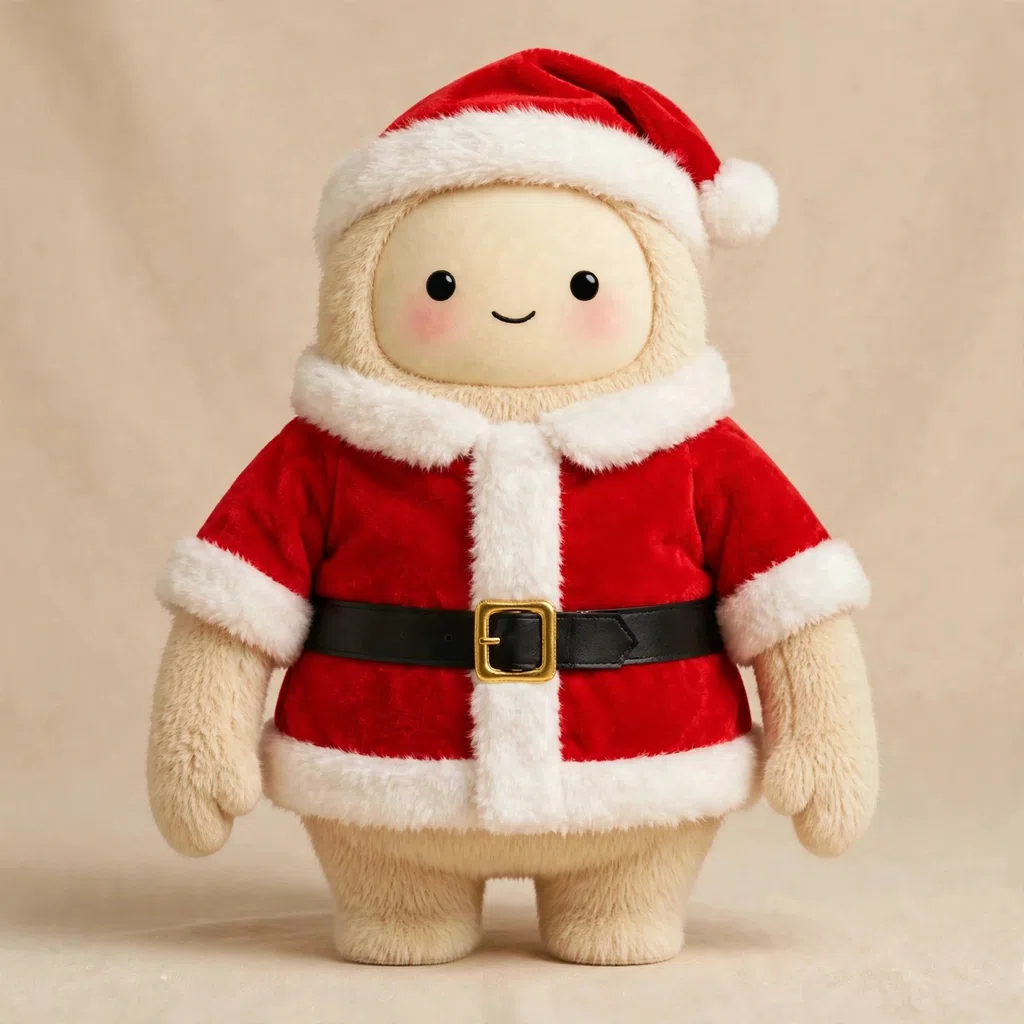
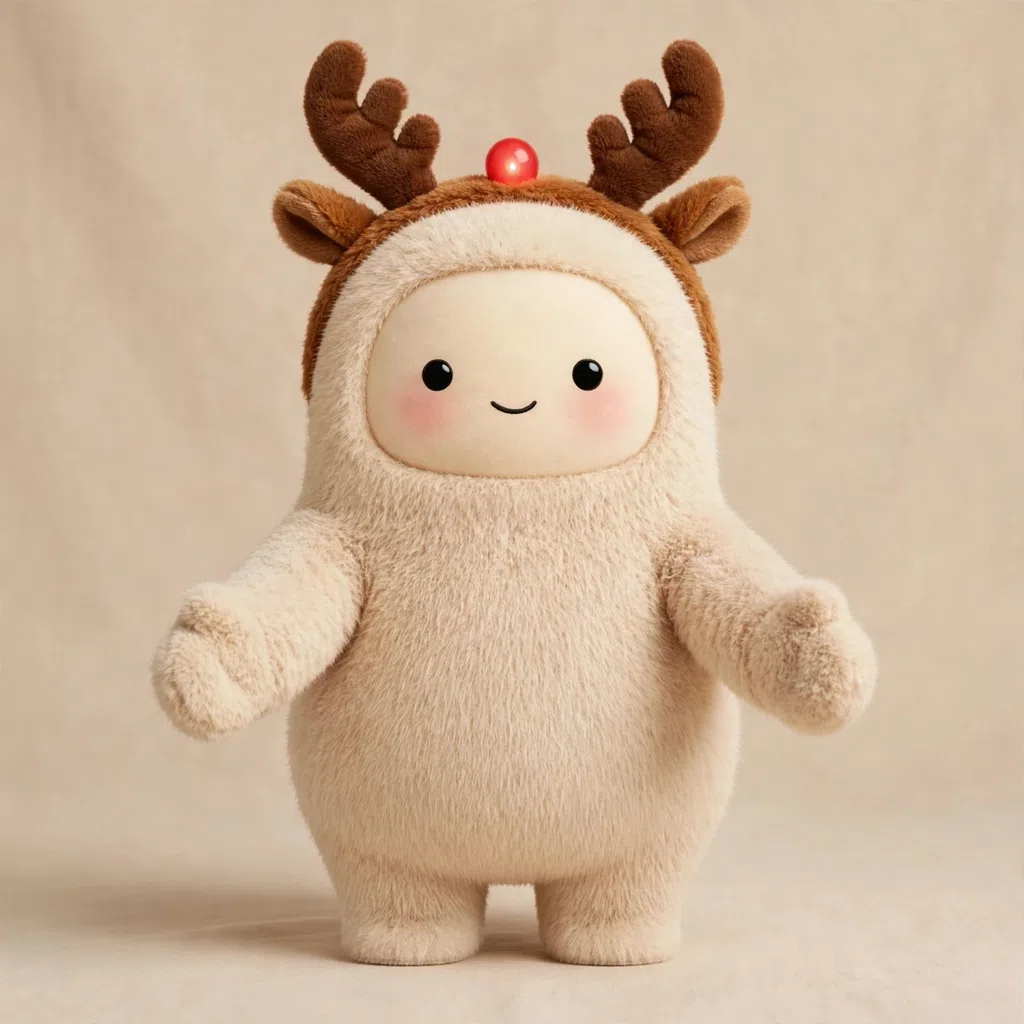
The Muses that work best as wallpaper share three things: one clear character, strong colors that survive a bright screen, and a mood you still like on the hundredth unlock of the day. Seasonal rotation is the easy way to keep it fresh. Santa, the Christmas Legendary at 150 Muse Coins, and Reindeer Games, the Christmas Mythic at 200, carry December; the hero of this guide, Starfall Sanna, a Divine at 350 Muse Coins from The Divine Twenty, is the year-round night-sky pick.
The wallpaper itself never costs extra — the download is included in the one-time unlock, or in a free collect. Premium prices follow the rarity ladder, verified live today: Common 50 Muse Coins, Rare 75, Epic 100, Legendary 150, Mythic 200 and Divine 350. With 350 coins landing at signup and 269 Muses free to collect in the Free Muses room, your first Muse avatar wallpaper can cost nothing at all — and every Muse you add to your collection after that is another screen waiting to happen.
Frequently asked questions
Can I use a Muse avatar as my wallpaper?
Yes — once the Muse is yours. Collect it free or unlock it once with Muse Coins, tap “Download image” on its page to save the full-resolution artwork, then set that file as wallpaper on your phone or computer using the steps above.
Can I download a Muse avatar wallpaper for a Muse I do not own?
No — the full-resolution download is part of ownership. It is listed in the unlock panel alongside the full prompt pack, and the “Download image” button appears on a Muse's page once you have collected or unlocked it. Browsing and viewing the artwork is open to everyone; saving the full-resolution file waits until the Muse is yours.
Can I get a Muse avatar wallpaper for free?
Yes. The Free Muses room holds 269 Muses at 0 coins, free to collect, and a collected free Muse carries the same “Download image” button as a premium one. Linden Winifred and Cinder Sabine are two free Commons you can start with today.
Does Muse artwork fit a phone screen?
Muse artwork is square, and phone screens are taller than they are wide, so your phone will let you pinch and drag to position the character before you confirm the wallpaper. Center the face, keep it clear of the lock-screen clock, and preview — a bold single-character Muse like Hot Cocoa or Ghostly Boo reads clearly even after that positioning.
Start collecting — it is free to join
New accounts get 150 free Muse Coins the moment they join, and the Muses in the Free at Signup picks on the gallery are free to claim. Pick a favorite, join free, and she is yours.
The Muses from this post:
New Muses every week
One email a week with the newest Muses — plus first word on restocks and drops. Join the list and 25 bonus Muse Coins are waiting for you at signup.