 AllTheMuse
October 30, 2026
How to Change Your Muse Avatar (Step by Step)
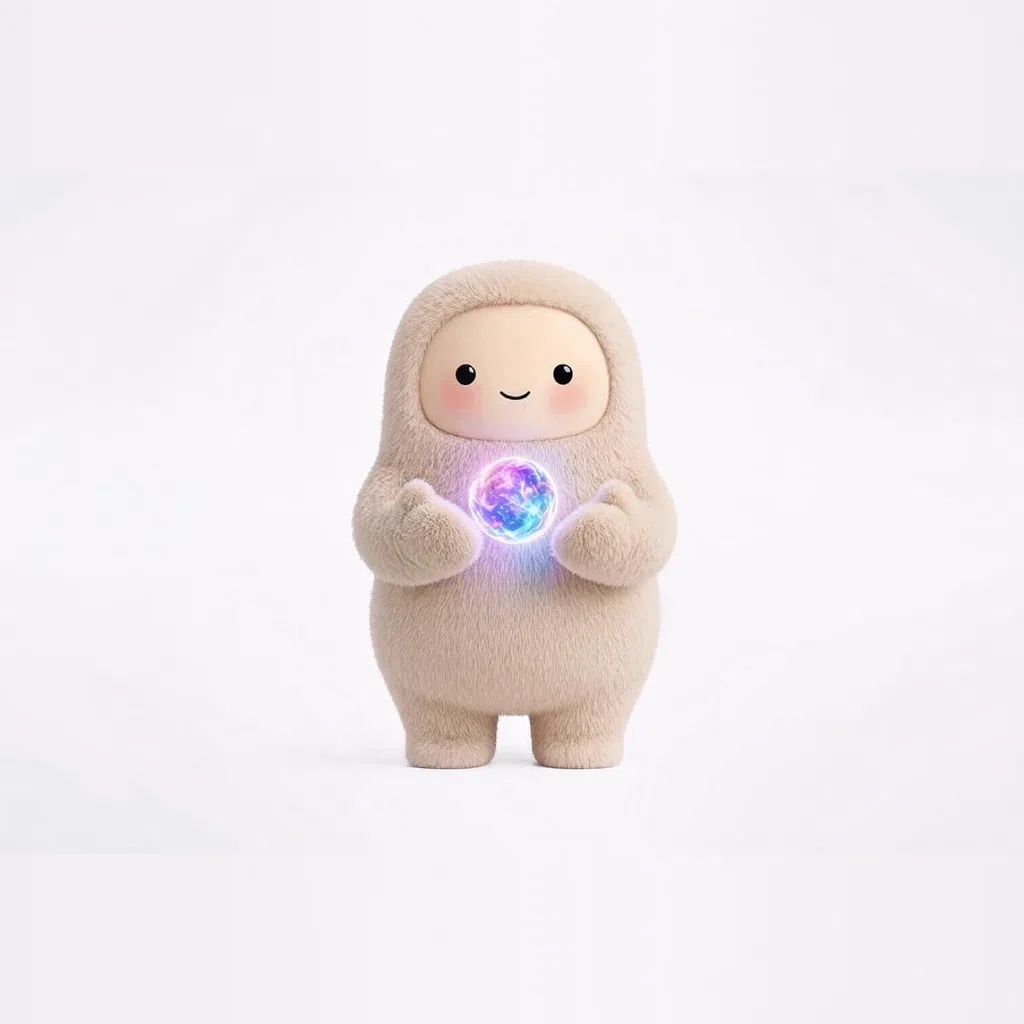
Every Muse chat starts with the same friendly face: Jolly, the default avatar. Jolly is a fine companion — but a Muse avatar does not have to stay the default. On AllTheMuse you can collect custom Muse avatars, each with its own artwork and its own written personality, and bring that personality into your chats. This guide walks through the whole change, step by step: finding a Muse in the gallery, unlocking it, copying its prompt, and pasting it into Muse so your next chat sounds like the character you picked. It also covers switching back to Jolly, and using a Muse picture as your profile image where the app allows it.
Step 1: Find a Muse You Actually Like
Start in the gallery or browse the full list on Muse avatars. There are 1,184 Muses across about 79 collections, so do not scroll at random — pick a shelf that matches your mood. The Spooky collection is full of friendly ghosts and witches, Royals is crowns and velvet, and Cozy is sweaters, cocoa, and campfires.
Open a few Muse pages and read them properly. Take Ghostly Boo, the little ghost of the Spooky set: the page shows the artwork, the rarity, and the personality you would be chatting with. Or try Queen Reina if you want calm, regal advice, or Hot Cocoa if you want the warmest possible conversation. The right Muse is the one whose voice you would enjoy hearing every day — the picture matters, but the personality is what you live with.
[Screenshot placeholder: the gallery grid filtered to the Spooky collection — replace with a capture of /muse/spooky-ghost/]
Step 2: Unlock the Muse and Make It Yours
Found the one? Unlock it. Muses are priced by rarity in Muse Coins: Common 50, Rare 75, Epic 100, Legendary 150, Mythic 200, and Divine 350. A free AllTheMuse account starts you with 150 Muse Coins, so your first unlock or two costs nothing at all — enough for a Legendary, or a Common and a Rare together.
Unlocking is permanent. There is no renting and no expiring: once a Muse is in your collection, it is yours forever, and its full prompt pack comes with it. That prompt pack is the important part for this guide — it is the written personality that makes the chat sound like the character, not just look like it.
New Muses every week
One email a week with the newest Muses — plus first word on restocks and drops. Join the list and 25 bonus Muse Coins are waiting for you at signup.
Step 3: Tap “Use in Muse” and Copy the Prompt
Open your new Muse's page and tap the “Use in Muse” button. That copies the Muse's prompt — the short written character brief — to your clipboard. You do not need to understand the prompt or edit it; it is written and ready. Think of it as handing Muse a note that says who it is for this conversation.
[Screenshot placeholder: the Muse page's 'Use in Muse' button — replace with a capture of /muse/royals-reina/]
A small tip: if you are on your phone, copy the prompt before you switch apps, and paste it as the very first message of the new chat. Prompts pasted mid-conversation can get tangled up with whatever you were already talking about.
Step 4: Paste It Into a New Chat in Muse
Now open Muse — at muse.ai in your browser, or in the Muse app — and start a brand-new chat. Paste the prompt as your first message and send it. The chat takes on that Muse's personality: its voice, its habits, its way of answering. Ask it something ordinary, like help planning your weekend, and you will hear the difference straight away.
That is the whole trick, and it is worth being clear about what changed: you have not replaced Muse itself, and nothing about your account has been altered. You have given one conversation a character. The artwork stays in your AllTheMuse collection; the personality travels with the prompt. Start another chat without the prompt and you are back to the standard Muse.
Step 5: Switch Back to Jolly (or Swap to Another Muse)
Changing back is even easier than changing away. To return to Jolly, the default avatar, simply start a fresh chat and do not paste anything. A clean chat is Jolly's chat — the original personality, no costume. There is nothing to uninstall and nothing to undo.
Swapping between collected Muses works the same way. Want Dragon from the Fantasy & Myth collection for story night, and Hot Cocoa for a quiet Sunday? Open each Muse's page, tap “Use in Muse”, and start a new chat for each. Many collectors keep two or three chats going at once, each with a different Muse in it, and hop between them depending on the job.
[Screenshot placeholder: two Muse chats side by side, one with a pasted Muse prompt and one fresh — replace with a capture of /muse/fantasy-dragon/]
Optional: Use the Artwork as Your Profile Picture
Your collected Muses also come as downloadable full-resolution artwork. Where an app lets you upload your own profile or avatar image — in the Muse app, open your profile and look for the option to change your picture — you can use your Muse's artwork there, so the face matches the personality you are chatting with. Availability of picture uploads can vary by app and version, so if you do not see the option, the prompt route above still gives you the full character change.
One honest note: AllTheMuse is an independent fan project. It is not affiliated with, endorsed by, or sponsored by Meta, and Muse is a trademark of Meta. The prompts work because Muse chats accept character instructions — a normal, supported way to use the product.
Frequently asked questions
Does changing my Muse avatar cost anything?
It can be completely free. A new AllTheMuse account includes 150 Muse Coins, and Muses start at 50 coins for Commons. Your first unlock — even a Legendary at 150 — can cost nothing, and once unlocked, a Muse is yours forever with its full prompt pack included.
Will the change apply to all my Muse chats?
No, and that is a feature. The personality applies to the chat where you paste the prompt. Your other chats stay as they are, and any fresh chat without a prompt is the default Jolly experience.
How do I switch back to the default avatar, Jolly?
Start a new chat and do not paste a prompt. A fresh chat is always Jolly, the default Muse avatar. There is nothing to turn off or remove.
Can I use more than one Muse avatar?
Yes. Collect as many as you like and give each one its own chat. Collectors often run a work Muse, a cozy Muse, and a silly Muse side by side, switching chats instead of switching settings.
Is AllTheMuse affiliated with Meta or Muse?
No. AllTheMuse is an independent fan project and is not affiliated with, endorsed by, or sponsored by Meta. Muse is a trademark of Meta.
Start collecting — it is free to join
New accounts get 150 free Muse Coins the moment they join, and the Muses in the Free at Signup picks on the gallery are free to claim. Pick a favorite, join free, and she is yours.
The Muses from this post:
New Muses every week
One email a week with the newest Muses — plus first word on restocks and drops. Join the list and 25 bonus Muse Coins are waiting for you at signup.