 AllTheMuse
October 30, 2026
How to Upload a Photo as Your Muse Avatar
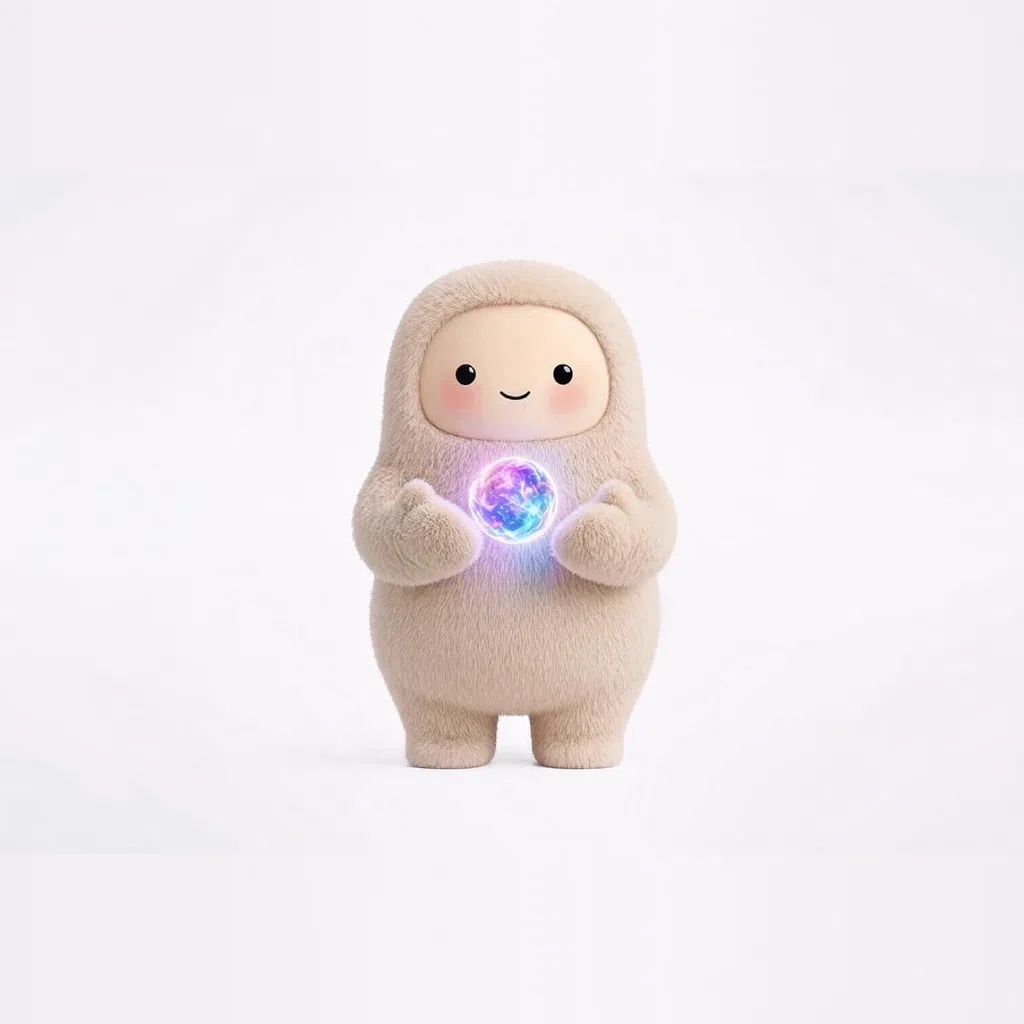
Sooner or later, every collector asks the same question: can I turn a photo — of me, of my cat, of my kid's drawing — into a Muse avatar? The honest answer has two parts. AllTheMuse does have a create page where you can create your own Muse avatar, and a photo is a wonderful starting point for describing the character you want. But it is fair to tell you plainly what the tools do and do not do today, so this guide covers both: how to use a photo well as reference and inspiration, what makes a photo work, the privacy basics you should never skip, and where photos fit alongside the 1,184 ready-made Muses in the gallery and on Muse avatars.
First, the Honest Part: What the Create Page Does
The create page on AllTheMuse is where you build your own Muse avatar — its look and, just as importantly, its personality. The process is prompt-based: you describe the character in words, and that description becomes the Muse. What the site does not do today is run your photo through an automatic photo-to-avatar converter. There is no button that swallows a selfie and spits out a finished cartoon of you, and any site promising instant magic there deserves a raised eyebrow.
What a photo genuinely does is make your description ten times better. Instead of writing “a friendly cat”, you look at your actual cat and write “a tuxedo cat with one white paw, a bent ear, and the expression of a landlord inspecting the property”. That is the difference between a generic Muse and yours. The photo is the reference; your words are the tool.
Choosing a Photo That Works as Reference
Not every photo describes well. The best reference photos are clear, close, and honest: one subject, good light, and the details that make the subject recognizable in full view. For a pet, that means markings, ear shape, tail, and the one weird thing they do with their face. Tuxedo Toby is a good model of what to aim for in words — black-and-white markings described precisely enough that you could pick him out of a lineup.
For a person, pick the three or four features people actually recognize you by: hair, glasses, a favorite hoodie, the grin. Skip group photos (which person is the Muse?), sunglasses shots (your eyes are half your expression), and heavy filters (they describe the filter, not you). One clear photo you study closely beats ten photos glanced at.
[Screenshot placeholder: the Create page with a character description being written — replace with a capture of /muse/cats-tuxedo-toby/]
- One subject, facing the camera, in decent light
- Distinctive details visible: markings, hair, glasses, a signature outfit
- A typical expression, not a costume or a filter
- For pets: full body if their shape or tail is part of the charm
New Muses every week
One email a week with the newest Muses — plus first word on restocks and drops. Join the list and 25 bonus Muse Coins are waiting for you at signup.
Turning the Photo Into a Muse, Step by Step
Step one: study the photo and write down the details — colors, markings, accessories, expression — before you open anything. Step two: head to the create page and build your description from those notes, adding the personality the photo cannot show: how this Muse talks, what it loves, how it helps. A photo gives the face; you still owe the Muse a voice. Step three: save your creation to your collection, where it lives alongside any Muses you have unlocked.
If the words are not coming, borrow structure from Muses that already work. Ragdoll Rosa shows how a few soft details plus a gentle temperament make a complete character, and the Fantasy & Myth shelf — Mermaid and friends — shows how far a description can stretch when the subject is imaginary. The free Muse avatar prompts pack also gives you copy-paste starting points you can bend toward your photo.
[Screenshot placeholder: a finished custom Muse beside the notes taken from a reference photo — replace with a capture of /muse/cats-ragdoll-rosa/]
Privacy: The Part to Never Skip
Only use photos you have the right to use: your own photos, of yourself, your pets, and your own artwork are the safe ground. Do not build Muses from a stranger's photo, a celebrity's picture, or someone else's artwork, and think twice before using photos of other people at all — a friend's face is their business, even as a cartoon. For children, the cautious rule is simple: keep it to drawings and descriptions, not uploaded photos of real kids.
Two more disclosures belong in any honest guide. AllTheMuse is an independent fan project and is not affiliated with, endorsed by, or sponsored by Meta; Muse is a trademark of Meta. And because the create flow is description-based, your photo itself stays yours — you are using it as your own reference while you write, the way an artist glances at a snapshot before sketching.
When a Ready-Made Muse Is the Better Answer
Sometimes the Muse you are imagining already exists. Before spending an evening describing an astronaut from a photo of a Halloween costume, check the Space Crew — Astro Andy may be standing there ready, free coins and all. Ready-made Muses also come with finished artwork and a full prompt pack the moment you unlock them, priced by rarity from 50 coins for Commons to 350 for Divines, and new accounts start with 150 coins free.
Many collectors do both: a created Muse that is personally theirs, plus collected Muses for every mood. However you mix it, the way to use any of them in a chat is the same, and it takes about a minute — the walkthrough is in How to Change Your Muse Avatar.
[Screenshot placeholder: the Space collection page, showing ready-made Muses as an alternative to creating — replace with a capture of /muse/free-astro-andy/]
Frequently asked questions
Can I upload a photo and have it converted automatically?
Not on AllTheMuse today. The create page is prompt-based: you describe your Muse in words. A photo helps enormously as reference while you describe — but there is no automatic photo-to-avatar converter, and we would rather tell you that than pretend otherwise.
What photos work best as reference?
Clear, close, well-lit photos of one subject, showing the details that make them recognizable — markings on a pet, or hair, glasses, and a typical expression for a person. Avoid group shots, sunglasses, and heavy filters.
Whose photos may I use?
Your own: photos of yourself, your pets, and your own artwork. Do not use photos of strangers, celebrities, or other people's art, and be cautious with photos of anyone else — their face is their call.
Does creating a Muse cost anything?
Browsing and describing costs nothing. Unlocking ready-made Muses uses Muse Coins — 50 for Commons up to 350 for Divines — and a free account starts with 150 coins. Every unlock is yours forever.
Is AllTheMuse part of Meta or Muse?
No. AllTheMuse is an independent fan project, not affiliated with, endorsed by, or sponsored by Meta. Muse is a trademark of Meta.
Start collecting — it is free to join
New accounts get 150 free Muse Coins the moment they join, and the Muses in the Free at Signup picks on the gallery are free to claim. Pick a favorite, join free, and she is yours.
The Muses from this post:
New Muses every week
One email a week with the newest Muses — plus first word on restocks and drops. Join the list and 25 bonus Muse Coins are waiting for you at signup.